Sand.ai MAGI-2 · picture + sound in one pass
MAGI 2 AI Video Generator with Native Sound

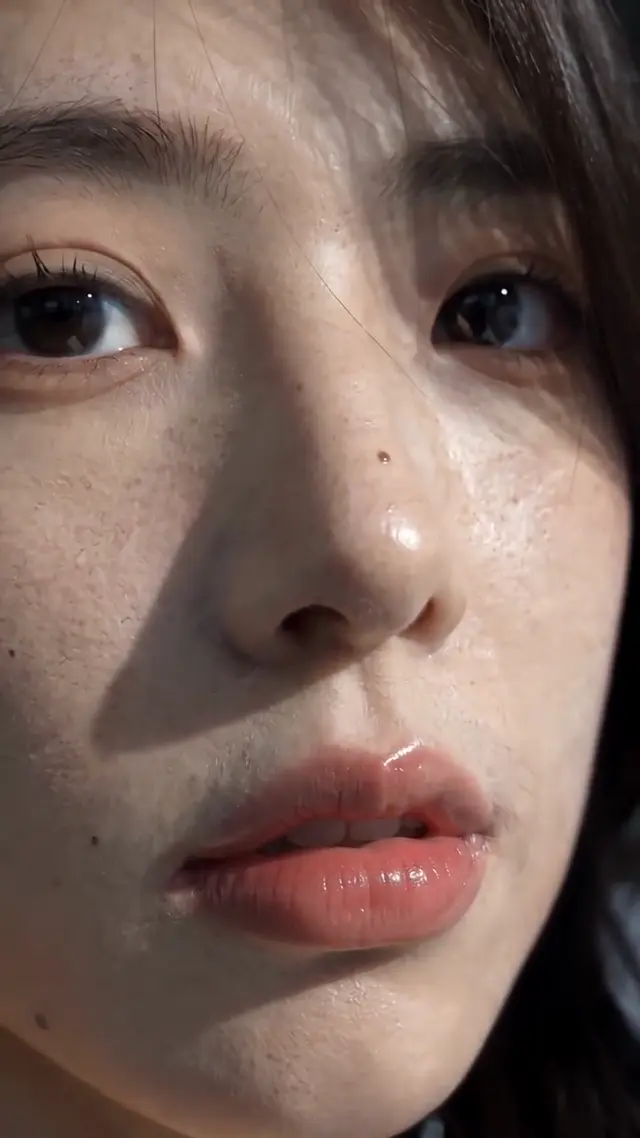
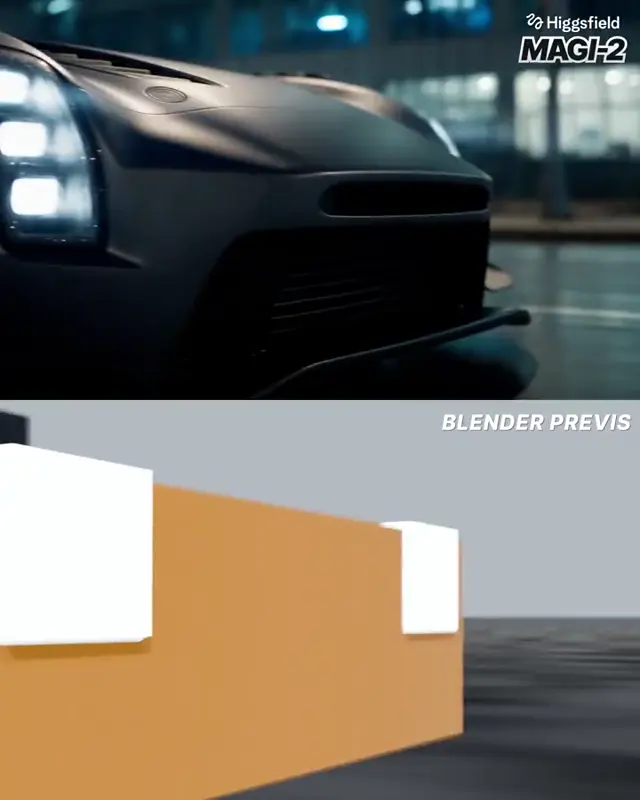
Describe a scene, add a first frame or a few reference images, and MAGI 2 renders a 1080p clip with synchronized dialogue, sound effects and music. No editing timeline, no separate audio pass.
Generate a MAGI 2 video
Made with MAGI 2
Clips the MAGI 2 team and early creators posted in launch week. Clips play muted as you scroll: tap the speaker for sound, or open one to see its creator and settings. Every clip links to the original post.
Tap any clip to see who made it, the original post on X and, where the creator shared it, the prompt. Each clip belongs to its creator. Want the prompts and settings behind more clips? See MAGI 2 examples and MAGI 2 prompts.
What is MAGI 2?
MAGI 2 (written MAGI-2 by its developer) is a video generation model from Sand.ai, the team behind the open-source MAGI-1. Sand.ai announced it on November 24, 2026 as a 480-billion-parameter mixture-of-experts model built for longer, more coherent shots.
The headline feature is native audio. Most video models give you a silent clip and leave sound to another tool. MAGI 2 generates picture and sound together, so spoken lines line up with mouth movement, footsteps land on the beat of the walk, and music follows the cut. You get one file that already sounds finished.
It also holds a scene together for longer. The model renders 1080p at 25 frames per second and supports clips from 4 to 30 seconds, which is enough for a full product shot, a short dialogue exchange or a complete social ad instead of a two-second loop.
This site is an independent studio that runs MAGI 2 through a hosted API. You don't need a GPU, an invite or any setup: sign in, write a prompt and download the MP4.
How to make a MAGI 2 video
Pick one of three modes in the generator above. Every mode outputs 1080p video with sound, and you choose the length before you render.
Text to video
Write what happens, what the camera does and what people say. Choose an aspect ratio from 16:9, 9:16, 1:1, 4:3, 3:4 or 21:9, pick a length and generate.
Image to video
Upload a first frame and, if you want, a last frame. MAGI 2 animates from one to the other and keeps your character, product or layout recognizable.
Reference to video
Add up to six images of a person, outfit, product or location. The model uses them as visual references while following your prompt for action and sound.
Prompt tips that work with native audio
- Write the dialogue in quotes. For example: she leans in and whispers "we're not alone". The model uses the line for both the voice and the lip movement.
- Name the sounds you want. Rain on a tin roof, a crowd cheering, a low synth drone. Sound cues steer the audio track as much as the visuals.
- Describe camera motion once. Slow push-in, handheld follow, drone pull-back. One clear move reads better than three competing ones.
- Match length to the action. A single reaction fits in 5 seconds; a walk-and-talk or product reveal usually needs 10 to 15.
MAGI 2 pricing and credits
Generation runs on credits: 10 credits buy one second of 1080p video with sound, whichever mode you use. A 5-second clip costs 50 credits and a 30-second clip costs 300. New accounts may get 50 free credits while daily spots last, enough for one 5-second test clip.
You can buy one-time credit packs that never expire, or subscribe monthly or yearly for a fresh allowance each month at a lower price per second. If a generation fails, the credits go back to your balance automatically.
Launch prices are discounted for Black Friday until December 25.
Credits per clip
| Length | Credits |
|---|---|
| 5 seconds | 50 |
| 10 seconds | 100 |
| 15 seconds | 150 |
| 30 seconds | 300 |
MAGI 2 FAQ
Is MAGI 2 free to try?
Yes. New accounts may get 50 free credits while daily spots last, which covers one 5-second 1080p clip with sound. After that you can buy a credit pack or subscribe.
Who made MAGI 2?
MAGI-2 is developed by Sand.ai. This site is an independent studio that gives you an online interface to the model. We are not affiliated with or endorsed by Sand.ai.
Does MAGI 2 generate audio?
Yes. Sound is generated in the same pass as the picture, including dialogue matched to mouth movement, sound effects and music. Every clip you make here includes audio.
How long can a MAGI 2 video be?
The model supports 4 to 30 seconds per clip. On this site you can choose 5, 10, 15 or 30 seconds.
Is MAGI 2 open source?
Partly. MAGI-2 Preview, a smaller 114B version limited to 10-second clips, is open source under Apache 2.0, with weights on Hugging Face. The 480B MAGI 2 flagship has been announced as open weights but was not released as of November 27, 2026. This site runs the flagship through a hosted API and does not host or distribute weights.
Can I use my own photos?
Yes, in image-to-video and reference-to-video modes. Uploads are JPEG, PNG or WebP up to 5 MB, pass an automatic safety check, are used only for your generation and are deleted within 24 hours.
Which aspect ratios can I use?
Text-to-video and reference-to-video support 16:9, 9:16, 1:1, 4:3, 3:4 and 21:9. In image-to-video mode the clip follows the shape of the first frame you upload.
What happens if a generation fails?
The credits for that clip are returned to your balance automatically, and you can try again with the same or a revised prompt.